Tutorial
How to use Partner Portal
This is a short step by step guide to order products from Boule.
Scroll down for a general overview of everything you can do on the Partner Portal.

First of all, you need to access the Boule Partner Portal.
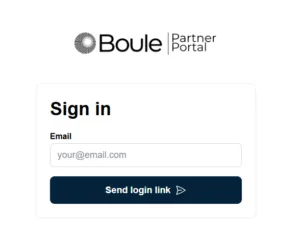
Fill in with your email address and click on the link you will receive in your mailbox to log in.
If you haven’t signed in to the Partner Portal yet, your first step is to log in using your email and complete your subscription.
If you have any questions or encounter any problem, don’t hesitate to contact us at marketing@boule.com
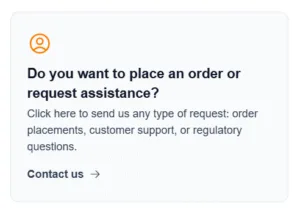
In the Partner Portal homepage, you see this button that will take you to our Contact Us page:
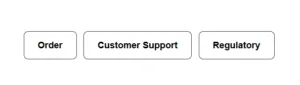
In that page, click on Order:
Fill in the form, especially all fields marked with * as they’re mandatory:
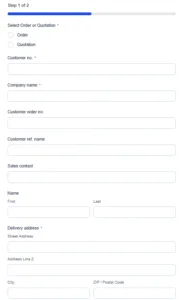
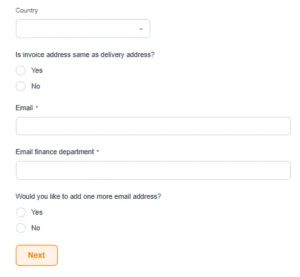
Once you’re done with the first page, click on “next” and proceed to the second page:
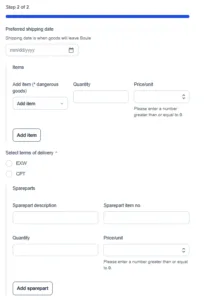
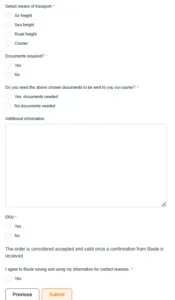
Your order has been successfully submitted and we will reach out to provide an official confirmation as soon as possible.
What else can you do on the Partner Portal?
Contact our customer support and read our FAQs
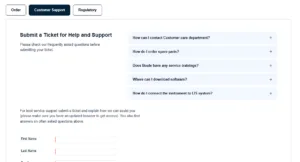
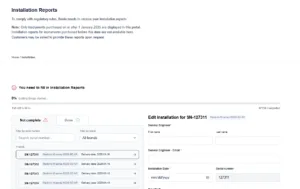
Submit your installation reports once you’ve bought and received your order from Boule
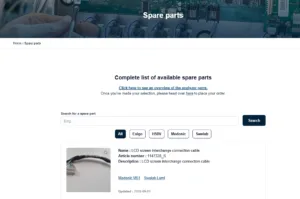
Browse all the spare parts we provide (if you want to order some, please use the order form)
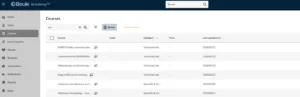
Access our Boule Academy trainings
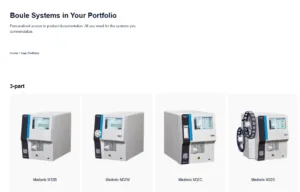
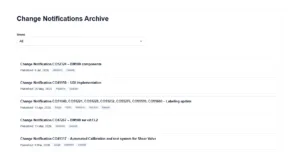
Check all change notifications you need to be aware of
To get regulatory support, please write an email to regulatory@boule.com
Don’t forget that on our website you can find a lot of useful information (like assay sheets, certificates of analysis, instructions of use) here and safety data sheets here.